
From Silicon to Software: How Computers Became the Engines of Modern Life
What a Computer Really Is
A computer is a programmable machine that accepts input, processes data according to instructions, stores information, and produces output. While the word often brings to mind laptops or desktops, computers also exist as tiny embedded controllers in appliances, as powerful servers in data centers, and as specialized devices inside cars, medical equipment, and industrial systems. What makes them “computers” is not their shape, but their ability to execute logical steps reliably and at speed.
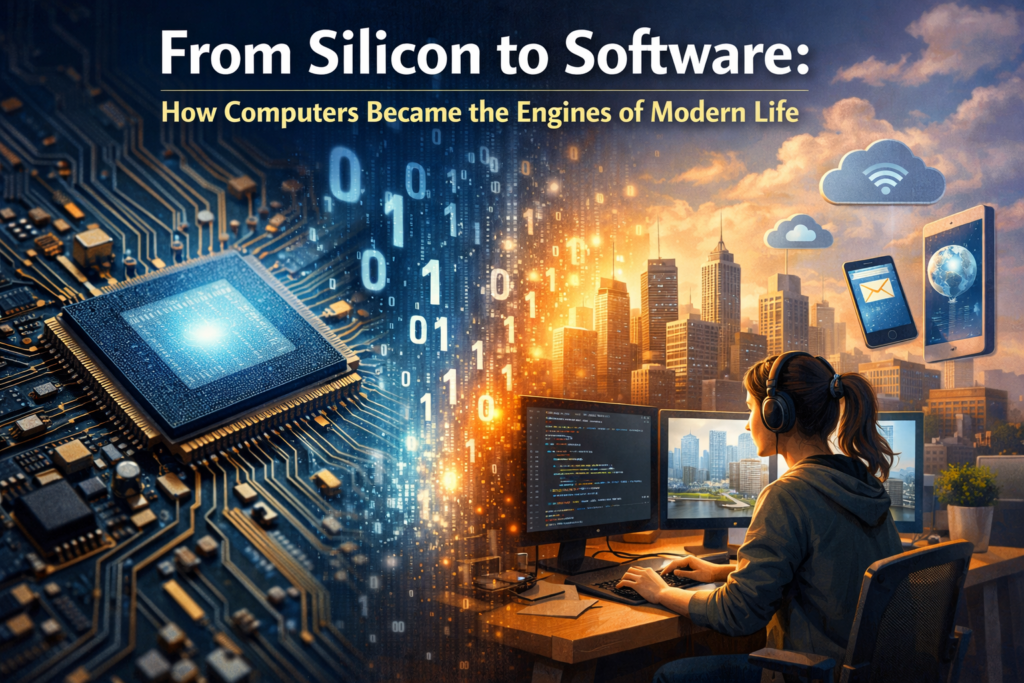
At the heart of computing is the idea of representing information in a form machines can manipulate. Most modern computers use binary—patterns of 0s and 1s—because electronic circuits can distinguish two states (such as low/high voltage) with high reliability. From that simple foundation comes text, images, audio, video, simulations, and the digital services that structure daily life.
Core Components: Hardware Building Blocks
Hardware refers to the physical parts of a computer. Each component plays a role in moving, transforming, or preserving data. Though designs differ across devices, most systems share a common set of building blocks.
- CPU (Central Processing Unit): Often described as the “brain,” the CPU executes instructions, performs arithmetic and logic operations, and coordinates tasks. Modern CPUs include multiple cores to run many instruction streams in parallel.
- Memory (RAM): Random Access Memory holds data and programs currently in use. It is fast but volatile—its contents disappear when power is removed.
- Storage (SSD/HDD): Storage preserves data long-term. SSDs (solid-state drives) are fast and durable; HDDs (hard disk drives) offer large capacity at lower cost, though they are slower and mechanical.
- Motherboard and Chipset: The motherboard connects components and provides pathways for data via buses and controllers. The chipset helps manage communication between the CPU, memory, storage, and peripherals.
- GPU (Graphics Processing Unit): Originally built to accelerate graphics, GPUs now also power parallel workloads like machine learning, scientific computing, and video processing.
- Input/Output Devices: Keyboards, mice, touchscreens, cameras, microphones, printers, and displays convert between human-friendly signals and machine-readable data.
- Networking Hardware: Ethernet and Wi‑Fi adapters connect computers to local networks and the internet, enabling communication and shared resources.
How Computers Process Information
Inside a computer, information is processed through a cycle of instruction execution. Programs are composed of instructions (the steps) and data (the values). At a simplified level, the CPU repeatedly fetches an instruction from memory, decodes what it means, executes it, and then moves to the next instruction. Billions of these cycles can occur each second.
Operating systems and software layers turn this low-level activity into something usable. They schedule tasks, manage memory, coordinate devices, and enforce security rules. This abstraction is why a user can edit a document, stream video, or run a game without thinking about voltage levels, registers, or memory addresses.
The Role of the Operating System
An operating system (OS) is the mediator between hardware and applications. It provides file systems for organizing data, drivers for controlling devices, and processes for running multiple programs at once. It also manages permissions and isolation so that one program cannot freely interfere with another. Popular OS families include Windows, macOS, Linux distributions, Android, and iOS—each optimized for different device types and user needs.
Types of Computers in Everyday Life
Computing spans a wide range of form factors and capabilities. Understanding these categories helps explain why “a computer” can be both a pocket-sized device and a room-sized cluster.
- Personal Computers: Desktops and laptops balance performance, cost, and flexibility. They commonly run productivity tools, creative software, and general applications.
- Mobile Devices: Smartphones and tablets emphasize battery efficiency, wireless connectivity, and sensors (GPS, accelerometers, cameras). Their processors are designed for power-efficient performance.
- Workstations: High-end systems for engineering, 3D design, data analysis, and video production. They often feature strong CPUs, large memory, and professional GPUs.
- Servers: Machines built to provide services—websites, databases, email, authentication, and more—often running continuously with redundancy and remote management.
- Embedded Systems and IoT: Specialized computers inside devices like thermostats, routers, wearable fitness trackers, and factory machines. They prioritize reliability and specific functions.
- Supercomputers and Clusters: Large-scale systems that solve complex problems such as climate modeling, protein folding, physics simulations, and massive AI training.
Connectivity: Why Networks Matter
A standalone computer can be powerful, but networking multiplies its usefulness. Local networks enable shared printers, files, and collaboration, while the internet connects computers globally using standardized protocols. Services like cloud storage, video conferencing, and streaming rely on distributed systems—many computers working together to store data, balance traffic, and maintain uptime even when individual machines fail.
This connected world also shapes how software is built. Many applications now rely on APIs and remote servers, shifting some computation from local devices to cloud infrastructure. The result is convenience and scalability, but also new concerns around privacy, availability, and dependency on network access.
Security and Reliability: The Hidden Work
As computers handle sensitive information—financial records, medical data, personal messages—security becomes essential. Threats range from malware and phishing to data breaches and ransomware. Good security is not a single tool but a set of practices and technologies that reduce risk over time.
- Updates and patching: Fix vulnerabilities in operating systems and applications.
- Strong authentication: Use password managers and multi-factor authentication when possible.
- Backups: Keep recoverable copies of important data, ideally following a 3-2-1 strategy (multiple copies, different media, one offsite).
- Encryption: Protect data on disk and in transit, reducing damage if devices are lost or intercepted.
- Least privilege: Limit user and application permissions to what is necessary.
Reliability matters too. Hardware can fail, storage can corrupt, and power fluctuations can cause damage. From error-correcting memory in servers to uninterruptible power supplies in critical environments, reliability engineering helps ensure computers remain trustworthy tools rather than fragile dependencies.
The Future of Computing
Computers continue to evolve along several fronts: more efficient chips, specialized accelerators for AI and media, better battery technologies, and new approaches to data processing at the “edge” (near where data is generated). Meanwhile, software advances—especially in automation, data analytics, and machine learning—are changing how people interact with computers, often through natural language interfaces and intelligent assistants.
At the same time, the growth of computing raises important questions about energy use, digital equity, and responsible technology design. The most meaningful progress will come not just from faster hardware, but from systems that are secure, accessible, sustainable, and aligned with human needs.
Conclusion
Computers are more than devices for work or entertainment; they are general-purpose engines for transforming information. By combining hardware components, layered software, and networked connectivity, computers enable creativity, scientific discovery, commerce, and communication at a global scale. Understanding the basics—what they are, how they operate, and how to use them safely—turns technology from a black box into a practical, empowering tool.
