
Inside the Modern Computer: From Bits to Breakthroughs
What a Computer Really Is
A computer is an electronic system designed to process data—taking input, performing operations according to instructions, storing information, and producing output. While the word often brings to mind laptops and desktops, computers also include smartphones, game consoles, servers in data centers, and tiny embedded devices in cars and appliances. What unites them is the ability to represent information in a consistent format (typically binary) and manipulate it predictably through programmable logic.
At its core, a computer is a general-purpose tool: it can become a word processor, a music studio, a navigation system, or a scientific instrument simply by running different software. This flexibility is why computers have become foundational to modern life.
Key Hardware Components
Hardware is the physical foundation. Different categories of computers arrange these parts differently, but the main components are remarkably consistent.
Central Processing Unit (CPU)
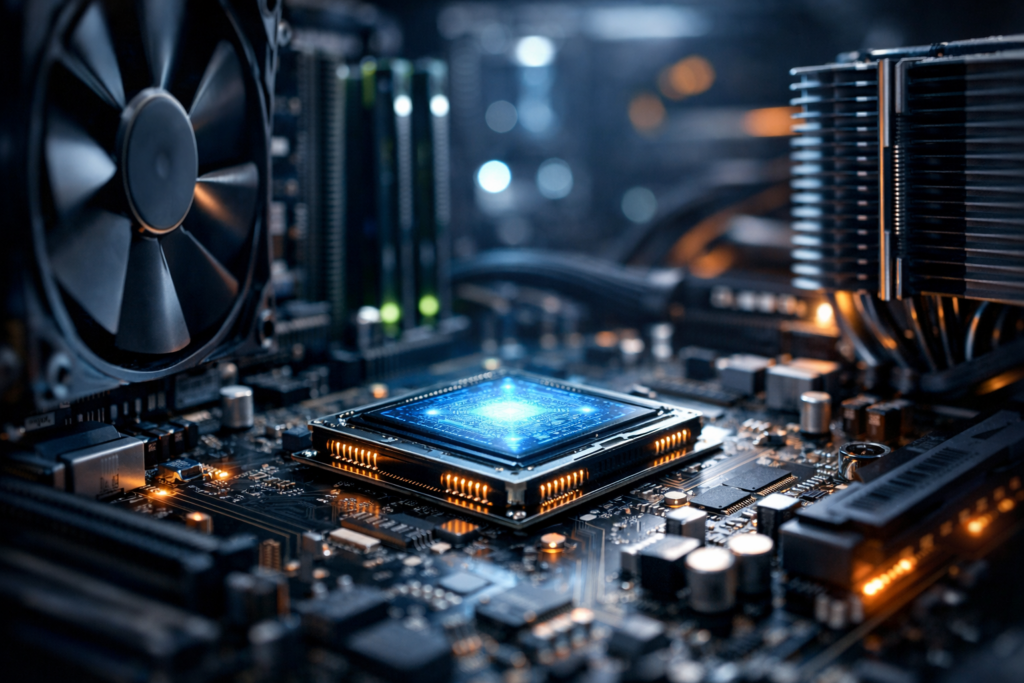
The CPU is often described as the “brain” of the computer. It executes instructions, performing arithmetic and logical operations. Modern CPUs contain multiple cores (independent processing units) and use techniques like caching and branch prediction to work efficiently. Clock speed matters, but overall performance also depends on architecture, core count, cache size, and workload.
Memory (RAM) and Storage
RAM (Random Access Memory) is short-term working space. It holds data and programs currently in use so the CPU can access them quickly. When power is off, RAM is cleared.
Storage is long-term. Traditional hard disk drives (HDDs) use spinning platters, while solid-state drives (SSDs) store data on flash memory and are faster and more durable. Storage capacity influences how much data you can keep, but speed affects how quickly programs load and files transfer.
Motherboard and Chipset
The motherboard connects components and provides pathways for communication through buses and controllers. The chipset helps coordinate data flow among the CPU, memory, storage, and peripherals. Expansion slots and ports (like PCIe and USB) allow new capabilities to be added.
Graphics Processing Unit (GPU)
A GPU accelerates graphics rendering and massively parallel computations. It’s essential for gaming, video editing, 3D design, and increasingly for artificial intelligence workloads. Many computers rely on integrated graphics built into the CPU, while performance-focused systems use dedicated GPUs.
Input/Output Devices and Networking
Keyboards, mice, touchscreens, cameras, microphones, and sensors provide input; monitors, speakers, printers, and haptic devices provide output. Networking hardware (Ethernet, Wi‑Fi, Bluetooth, cellular) enables computers to communicate, share resources, and access cloud services.
How Computers Work: From Bits to Programs
Computers represent information as bits—0s and 1s—implemented physically through electrical states. Groups of bits form larger units (bytes, words) that can represent numbers, letters, colors, instructions, and more.
A simplified view of operation is the fetch-decode-execute cycle:
- Fetch: The CPU retrieves an instruction from memory.
- Decode: It determines what the instruction means.
- Execute: It performs the operation, possibly reading or writing memory.
Although modern processors are far more complex—executing multiple instructions at once and reordering tasks for efficiency—this cycle captures the basic idea: software becomes physical action through instructions.
Software Layers: Operating Systems, Apps, and Firmware
If hardware is the body, software is the behavior. Software is typically organized in layers that build upon one another.
Firmware
Firmware is low-level code stored on chips that helps hardware start up and function. On PCs, this includes systems like UEFI/BIOS that initialize devices and prepare the computer to load an operating system.
Operating System (OS)
The OS (such as Windows, macOS, Linux, Android, or iOS) manages resources: CPU scheduling, memory allocation, device access, file systems, and security boundaries. It provides the platform on which applications run and offers user interfaces—from graphical desktops to command-line shells.
Applications and Services
Applications solve user problems: browsing the web, editing documents, analyzing data, designing products, or communicating. Many modern apps rely on background services and cloud APIs, distributing work across local and remote computers.
Types of Computers in Everyday Life
Computers come in many forms, each optimized for different goals.
- Personal computers: Laptops and desktops designed for general tasks and productivity.
- Workstations: High-performance systems for engineering, media production, and scientific work.
- Servers: Computers that provide resources to other computers, hosting websites, databases, and applications.
- Supercomputers: Large-scale systems built for simulations, weather modeling, and advanced research.
- Embedded systems: Specialized computers inside devices like routers, cars, medical equipment, and smart appliances.
Even when you interact with a single device, you are often relying on an ecosystem of computers: your phone, your home router, and distant cloud servers working together.
Why Computers Matter: Impact and Tradeoffs
Computers amplify human capability by automating repetitive tasks, enabling precision, and connecting people globally. They support fields as diverse as medicine (imaging and diagnostics), transportation (navigation and safety systems), education (interactive learning), and creativity (digital art and music production).
At the same time, their widespread use raises important tradeoffs: privacy concerns, cybersecurity risks, electronic waste, and the energy demands of large data centers. Responsible computing increasingly means designing efficient software, securing systems by default, and extending hardware lifespans through repairability and recycling.
Emerging Trends: What’s Next
Computing continues to evolve in several exciting directions:
- Artificial intelligence acceleration: Specialized chips (like NPUs) are becoming common, bringing faster on-device AI.
- Edge computing: More processing happens closer to where data is generated—improving speed and reducing bandwidth needs.
- Quantum research: Quantum computers explore new ways to solve particular problems, though practical, widespread use remains a challenge.
- Security by design: Hardware-backed security, encryption, and safer programming models aim to reduce vulnerabilities.
No matter the form—tiny sensor node or massive server cluster—the computer’s central promise remains the same: turning information into action. Understanding the building blocks of computing helps demystify the devices we depend on and prepares us to make better choices about the technology shaping our future.
