
Inside the Machine: How Computers Turn Ideas Into Action
What a Computer Really Is
A computer is a programmable device that accepts input, processes it according to instructions, stores data, and produces output. While phones, tablets, consoles, and servers look different, they share the same core purpose: turning information into results reliably and at high speed. The “magic” of computing isn’t one component—it’s a carefully layered stack of hardware and software working in sync.
At a practical level, computers help people communicate, create, analyze, automate, and entertain. At a technical level, they manipulate binary signals (0s and 1s) to represent numbers, text, images, and everything else we experience digitally.
Core Hardware Components
Modern computers are modular systems. Each major component has a specialized role, and performance depends on how well these parts match the workload.
Central Processing Unit (CPU)
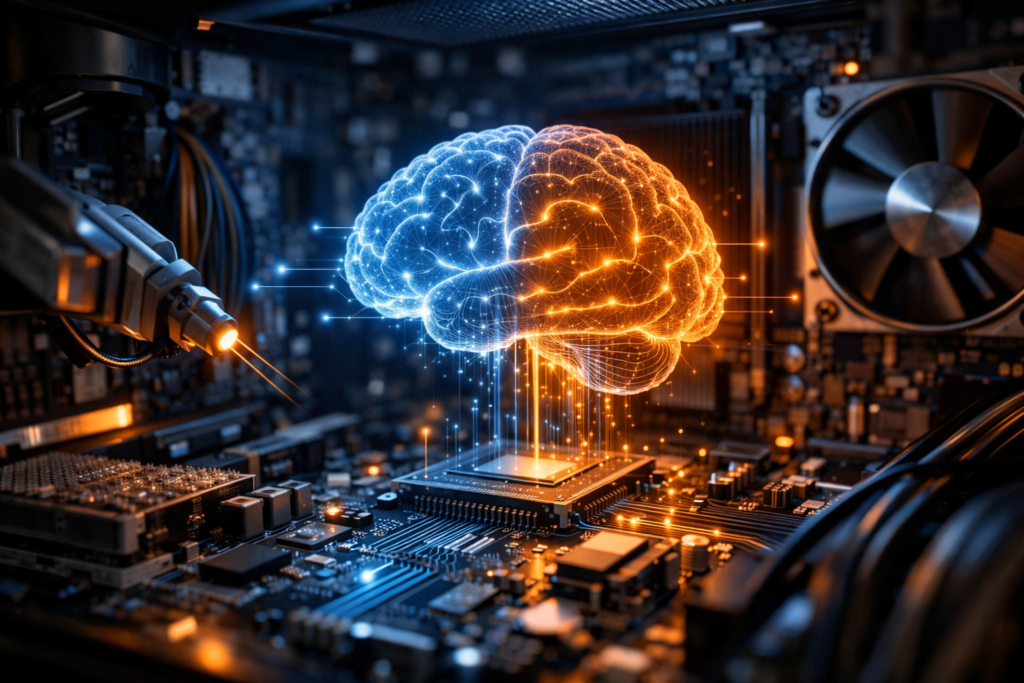
The CPU is often called the “brain,” but a more accurate description is the primary general-purpose executor of instructions. It performs arithmetic, logic, and control operations. Key CPU characteristics include:
- Cores and threads: More cores can run more tasks in parallel; threads help schedule work efficiently.
- Clock speed: Indicates cycles per second, but real performance also depends on architecture and workload.
- Cache: Small, fast memory close to the CPU that reduces delays when accessing frequently used data.
Memory (RAM)
Random Access Memory holds data and programs currently in use. RAM is fast but temporary—its contents disappear when power is off. More RAM generally improves multitasking and helps with large projects like video editing, data analysis, or running many browser tabs.
Storage (SSD and HDD)
Storage is long-term data retention. Solid-State Drives (SSDs) use flash memory and offer fast boot and load times, while Hard Disk Drives (HDDs) use spinning disks and often provide cheaper capacity. Many systems combine both: SSD for speed-critical tasks and HDD for bulk files.
Graphics Processing Unit (GPU)
A GPU accelerates graphics rendering and highly parallel computations. Beyond gaming, GPUs are essential for 3D design, video encoding, scientific simulations, and many machine learning workloads. Some computers use integrated graphics (built into the CPU), while others use discrete GPUs for higher performance.
Motherboard, Power, and Cooling
The motherboard connects components and manages data pathways through buses and controllers. The power supply delivers stable electricity, and cooling (fans, heat sinks, liquid systems) prevents overheating, which can reduce performance or damage parts. Good airflow and reliable power are often underrated factors in long-term stability.
How Software Brings Hardware to Life
Hardware is potential; software is instruction. The most important layer is the operating system (OS), such as Windows, macOS, Linux, Android, or iOS. The OS manages resources—CPU time, memory allocation, storage access, and device communication—so applications can run without needing to understand every hardware detail.
Operating Systems and Drivers
Drivers are specialized software that let the OS communicate with hardware like printers, graphics cards, and network adapters. When drivers are outdated or mismatched, users may see crashes, missing features, or poor performance. Keeping the OS and drivers updated is part of maintaining a healthy computer.
Applications and the Cloud
Applications range from browsers and word processors to CAD tools and databases. Increasingly, apps rely on cloud services for syncing, collaboration, and heavy computation. In practice, many “computer tasks” now span local hardware and remote servers, blending personal computing with large-scale infrastructure.
Data, Bits, and Instructions: The Hidden Language
At the lowest level, computers represent data as bits. Eight bits form a byte, and larger units scale upward (kilobytes, megabytes, gigabytes, terabytes). Text becomes numeric codes, images become grids of colored pixels, and audio becomes sampled waveforms.
Programs are also data: sequences of machine instructions. High-level languages (like Python, Java, or C++) are translated into forms the computer can execute—either compiled into machine code or interpreted/virtualized through runtime environments. This translation is what allows humans to write software without thinking in raw binary.
Types of Computers You Encounter Every Day
- Personal computers (desktops and laptops): General-purpose systems for work, school, and creativity.
- Mobile devices: Smartphones and tablets optimized for portability and energy efficiency.
- Workstations: High-performance PCs designed for engineering, media production, and scientific workloads.
- Servers: Machines built to provide services (websites, databases, authentication) to many users at once.
- Embedded systems: Specialized computers inside cars, appliances, medical devices, and industrial equipment.
- Supercomputers: Massive clusters that tackle large simulations and advanced research problems.
Networking: Computers Rarely Work Alone
Networking connects computers so they can share data and services. Local networks (Wi-Fi or Ethernet) link devices at home and in offices, while the internet connects networks globally. Key building blocks include IP addresses, routers, and protocols like TCP/IP and HTTPS. When you stream a video or join a call, your computer is coordinating with many remote systems to retrieve data, manage latency, and maintain security.
Security and Maintenance Basics
Because computers store valuable information, security is foundational. Threats include malware, phishing, weak passwords, and unpatched vulnerabilities. Good practices reduce risk without requiring deep expertise.
- Update regularly: Apply OS and application patches to fix known security flaws.
- Use strong authentication: Password managers and multi-factor authentication (MFA) help prevent account takeover.
- Back up data: Keep at least one offline or separate backup to protect against ransomware or hardware failure.
- Be cautious with links and downloads: Social engineering is often more effective than technical hacking.
Why Computers Keep Evolving
Computing advances are driven by the demand for faster processing, better energy efficiency, and new capabilities. Improvements come from chip design, parallel processing, specialized accelerators (like AI-focused hardware), and smarter software. At the same time, society’s expectations keep rising: higher-resolution media, real-time collaboration, complex simulations, and responsive AI tools all require more computing power.
Conclusion
Computers are not just boxes of electronics—they are layered systems that combine hardware precision with software flexibility. From the CPU executing instructions to networks connecting billions of devices, computing underpins modern life. Understanding the essentials—components, software roles, data representation, and basic security—helps you make better choices as a user and appreciate the remarkable coordination happening every time you click, type, or create.
